GreenUP
A student sustainability tracker. Log trees and clean-ups with photo and GPS proof, and watch them appear on a live world map.
Visit the live site (opens in a new tab)Source on GitHub (opens in a new tab)
Key features
- Before-and-after photo pairs with GPS and a timestamp as proof. The comparison slider is the verification.
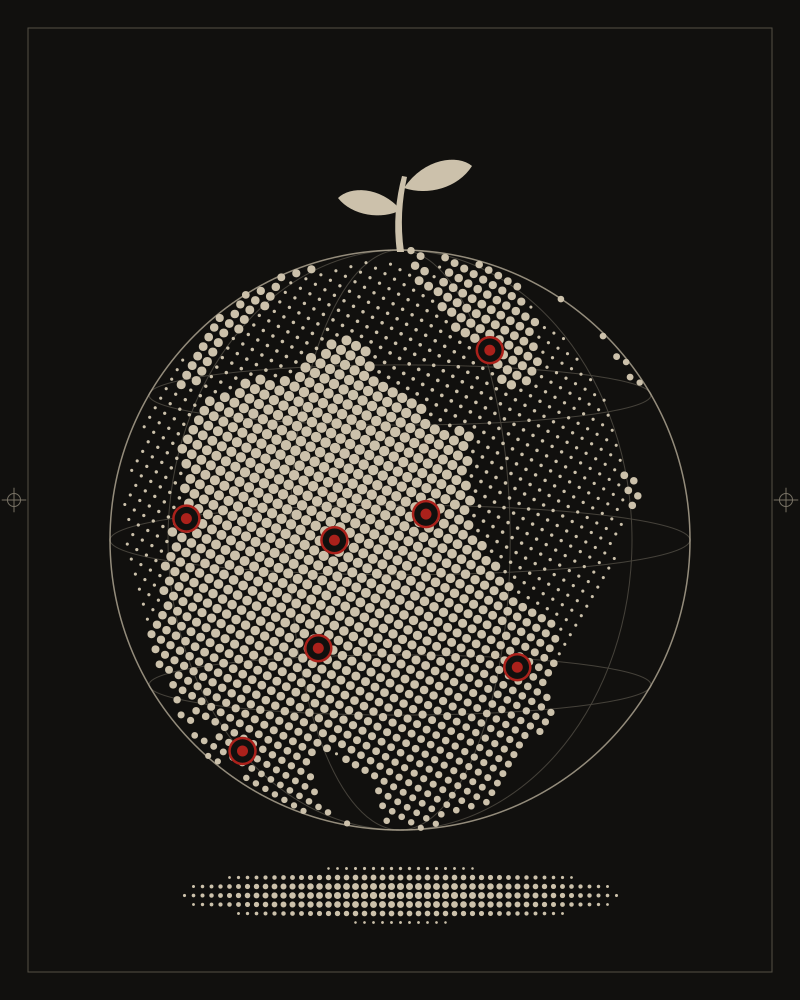
- A live world map of logged actions.
- Points, levels from Seed to Forest Guardian, and a leaderboard.
- Teams with their own dashboards, pooled stats and achievements.
- A daily quiz, and light and dark themes.
What it is
GreenUP turns planting a tree or clearing a patch of litter into something you can prove. You photograph the spot before and after, the app pins it with GPS and a timestamp, and the action appears on a shared world map. Points, levels and teams turn it into something a class or a campus can do together.
How it’s built
Plain HTML, CSS and JavaScript loaded as ES modules: no framework and no build step. Supabase provides the database, sign-in, photo storage and the realtime updates behind the world map. One SQL file sets up the tables, the row-level-security policies, a sign-up trigger and the storage buckets, and it is safe to run again after every change.
The before photo can’t be lost
Logging an action isn’t one moment. You take the before photo, spend twenty minutes planting or clearing, then take the after. In between, the tab gets backgrounded, the phone sleeps, the connection drops.
So the before photo is written to IndexedDB the moment it’s picked and queued for upload. The upload keeps going if you leave the screen, a refresh or a crash restores the draft, failed uploads retry with backoff and again when the device comes back online, and the after slot stays locked until the before photo is safely stored. The honest limit, stated in the README: a web page can’t send bytes while it is fully closed. What it guarantees is that the bytes are never lost.
When the map fails
If Google Maps can’t load, the app falls back to OpenStreetMap on its own, so nothing breaks while the key is being fixed, and goes back to Google on the next visit once it works.
Known limits
The README lists what is still simulated: the EXIF and duplicate checks in the verification preview, the donation checkout, and currency conversion, which uses fixed approximate rates.